

Your customers' data on your computer or in the cloud? What changes for a repair shop
Your customers' data can live on your own computer or on another company's server. On your computer you are in charge: nobody else sees it, the shop works without internet, and the backup is your job. In the cloud the provider handles the backup, but you need a connection and you need to keep paying to get in.
The decision is not a technical one. It is about who carries which risk.
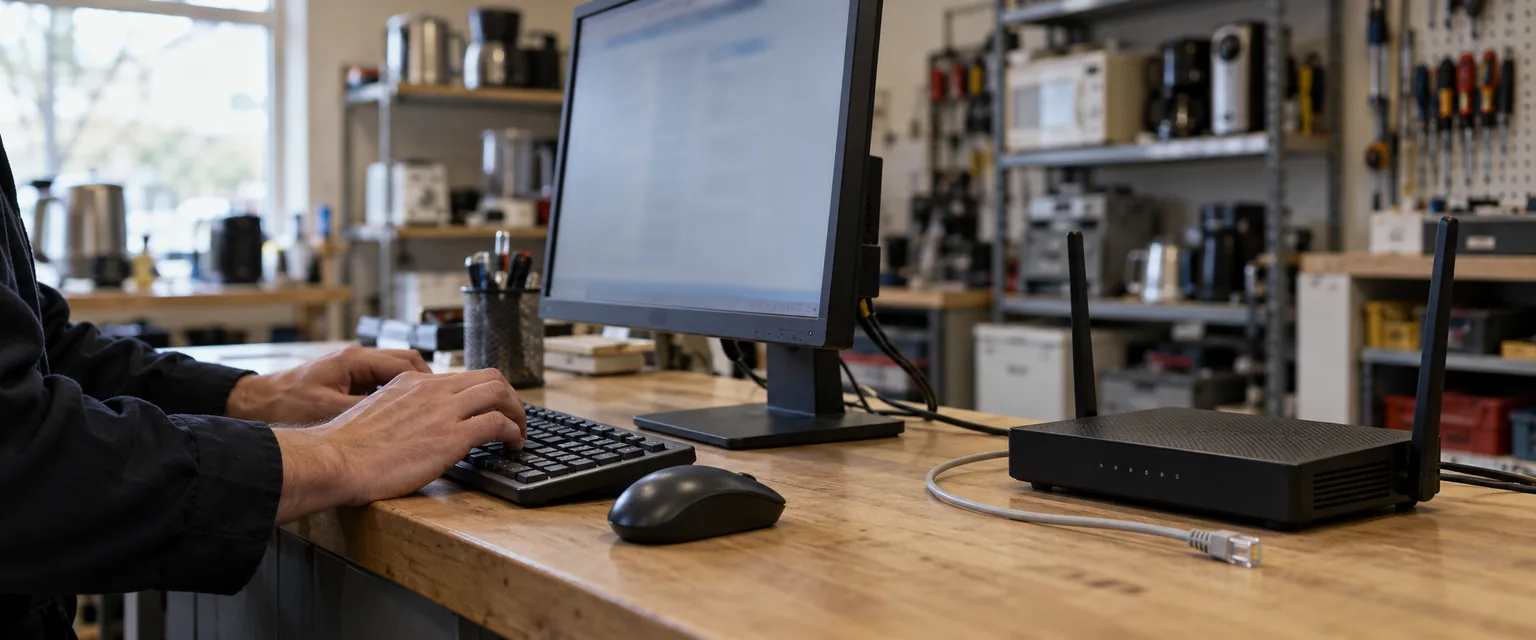
What does it actually mean to keep your data in the cloud?
It means the data lives on another company's server and you look at it over the internet. The cloud is not an abstract place: it is a disk with an owner, in a city that is not yours, under a contract.
Keeping it on your computer means the opposite. It is a file on your own machine, and you can copy it, move it and lock it away without asking anyone for permission.
Paradoxon Assistant keeps your customers, devices and orders in a local database, inside your own Windows user folder. None of your customer data ever reaches Paradoxon LLC.
What changes the day the internet goes down?
With your data in the cloud, an outage is a shop at a standstill: you cannot open an order, you cannot tell which device belongs to whom, and you have nowhere to write down the one that just came through the door.
With your data on your computer, the outage does not touch the work. You take devices in, print, look up a customer and close an order exactly like yesterday, because everything you need is on the machine in front of you.
Assistant opens without internet: it checks the license against what it already holds on your disk.
The useful question is not whether your connection will drop, because it will: it is what the morning it drops costs you.
What does wait is whatever has to leave the shop: the message telling a customer the repair is ready. Those messages sit in a queue with their status in plain sight, and the ones that went out with an error are resent from there once the connection is back.
What if you stop paying?
It is the question almost nobody asks when signing up and the one that hurts most later. In many cloud services, access to your data and the payment are tied together: the day you stop paying, you are usually locked out, and what was inside still exists, but it is no longer within reach.
With Assistant, your customers and your orders stay on your computer, whatever happens with the payment.
Who makes the backup in each case?
In the cloud the provider does, and you never notice. That is the real advantage of that model and it deserves to be said.
On your computer, the backup is your job. Keeping the data at home means keeping the responsibility at home, and saying so plainly is part of the deal.
Assistant makes three kinds of backup: a full compressed one, one of orders and one of customers. The first two run on their own, as often as you choose — daily, weekly, every two weeks or monthly; the customers one you launch when you need it, and the full backup already carries your customers inside it anyway. The automatic full backup is saved to a folder in your Documents, and the device photos go inside it.
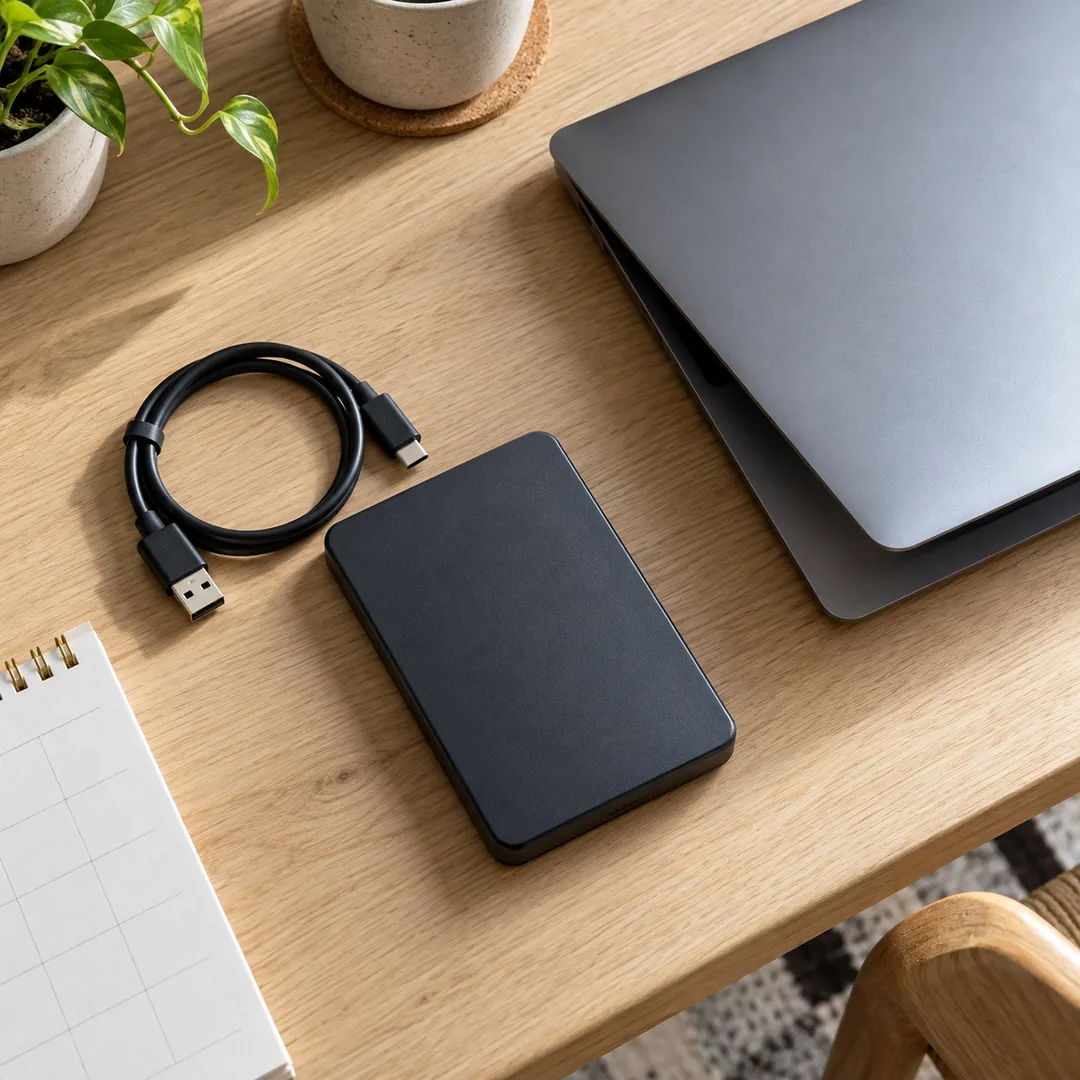
Two details before you trust it. The automatic backup keeps the last ten and deletes the oldest, so it is not a history of months. And to keep one sleeping outside the shop, the full backup is a single file: you copy it to the external drive and that is that; it pays to know what goes into your backup and what does not.
What if your computer is stolen or the shop burns down?
Here the cloud wins, and there is no point pretending otherwise. If your data lives on one computer only and that computer disappears, the data goes with it.
The answer is not to move to the cloud: it is to keep the backup somewhere other than the computer. An external drive that lives outside the shop covers theft, fire and flooding at once, and you pay for it once.
And the proof that a backup works is having opened it. A file nobody has ever restored is a hope, not a backup.
Can you work from two points in the shop without the cloud?
Yes, and what you need is not internet: it is the shop's own network.
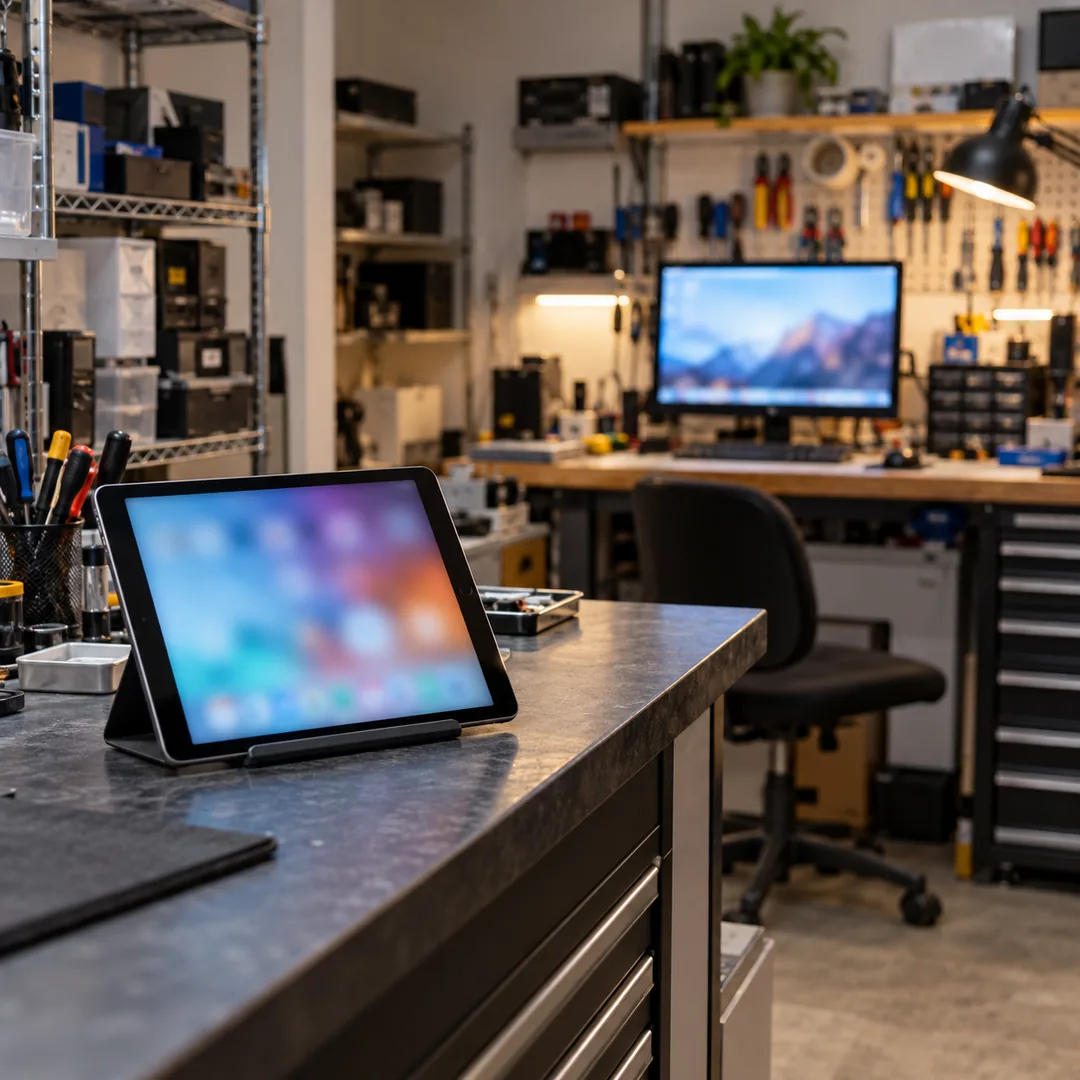
Assistant comes with a second station for the repair bench and an intake screen for a tablet at the counter. Both connect to the main station over the shop network: the second station finds it on its own, with no addresses for you to type, and the tablet gets in by scanning a code the program shows you on screen.
For the customer standing at the counter the difference does not exist. For you it does, and it is what lets you cover the counter and the bench at the same time when you run your shop alone.
Who can open that data if it lives on your computer?
Whoever can get into that computer. A local database is protected by the same keys as the machine it lives on: the Windows password, who has access to the shop, and what stays on and open when you pull down the shutter.
Inside the program there is another door. Assistant works with users: every technician signs in with their own password and sees what their permission allows, and the program warns you if the factory password is still in place. Changing it is the first setting of a new shop.
And the backup you carry out on a drive travels without those keys. That drive goes under lock, the same way you lock up the till; and both the shop computer and that drive can use the disk encryption Windows already includes, which is the best-spent half hour of the whole setup.
What leaves your computer, even when you work locally?
Saying that nothing leaves would be false, so here is what leaves on its own, without you asking for it.
Your license key leaves, together with a fingerprint of your machine, when you activate it and when the program checks that it is still yours. The messages to your customers leave, through the mail or messaging account you set up and under your name. And a query leaves to ask whether there is a new version.
None of those three carries the name, the phone number or the order of a customer of yours.
There is also an anonymous usage statistic for the program, which starts switched off and only turns on if you accept when the program asks you.
How do you move everything to another computer?
With a backup and a restore, and it is shorter than it sounds. The full backup is a single file, and when it is restored Assistant first checks that the copy is sound and saves today's database before replacing it, so you can go back if something comes out crooked.
What needs planning is the license, because it is tied to the machine. Before retiring the old computer you use the option to release the machine, and then you activate the key on the new one. You can do that release twice a year yourself; if you need another, Paradoxon sorts it out.
It is a five-minute errand that turns into a problem if you discover it when the old computer no longer powers on.
How to decide, with three questions about your own shop
There is no single right answer for every shop, but there are three questions that almost decide on their own.
How much does one morning without taking in or handing out devices cost you? Who is going to make the backup, and where is it going to sleep? And what happens to your customers and your orders the day you stop paying?
If all three answers point at your own counter, the data belongs on your computer, with an external drive that lives outside the shop. That is what Paradoxon Assistant does: your customers, your devices and your orders in a database on your own machine, with backups that run on their own and a working day that does not depend on the connection. The other half of the same job is what goes on a well-made repair ticket, which is the paper the customer keeps when there is no screen in front of them. The download is free.