

What goes on a well-made repair ticket?
A well-made repair ticket carries seven things: the date, the customer's name and phone, the device with the problem in the customer's own words, the order number, who took it in, the estimated cost, and the notice to keep the paper. With all seven, a disagreement three weeks later is settled by reading.
Is a repair ticket the same as a receipt?
No. A receipt proves a payment; a repair ticket proves an agreement.
It says which device stayed at the shop, who left it, what problem they reported, and what the work was estimated at. When something is disputed, that is the paper people reach for.
What belongs on the intake ticket?
As it ships, the intake ticket in Paradoxon Assistant prints the date, the customer's name and phone, each device with its shortened category, brand, model and color, the problem the customer reported, the order number, who took it in, and the estimated cost.
Plus three things that are not data: the shop's logo, the RECIBIDO(s) stamp, and the notice telling the customer to keep the receipt in order to pick the devices up.
Lines with no data do not print blank: they are skipped. If the shop turns on serial numbers for the ticket — they ship off — and a device has no serial, that line does not exist on the paper.
What information to collect when a device comes in goes into each of those points. What matters here is that they come out together on the same paper, and that the paper leaves the shop in the customer's hand.

Should the ticket promise a pickup date?
No, and in Paradoxon Assistant there is no field to write one in. That is a decision, not an oversight.
The rough estimate is given verbally, and Assistant sends the notice on its own as soon as the technician marks the order finished — once the channel and the consent are switched on, because they do not ship switched on. Telling the customer their repair is ready stops depending on having guessed a date right.
A printed date is a promise you pay for. An automatic notice is a promise that gets kept.
Where does the warranty go?
On the pickup ticket, not the intake one.
When the device comes in, nobody knows yet what will be repaired, so there is nothing to cover yet: a warranty covers the work done, and the work is known at the end.
In Assistant it prints on the pickup ticket as “G:” with its date, counted from the order date, plus the days the shop configures — thirty out of the box. And if the shop offers no warranty, it prints “N/A” instead of leaving the line blank.
What belongs on the pickup ticket?
The date, the customer, the same order number, each device with its price, the total, who repaired it, the warranty, and the shop's counts: how many devices went out repaired, under warranty, and not repairable. And separately, outside that total, how many had come back to the shop.
What is gone is the problem the customer reported. On the intake paper it is the center of the agreement; on the way out it has already been answered by the work.

Where do the shop's own terms go?
You have to write them. No factory template carries terms and conditions, a liability clause, or an abandonment period.
You put them on the paper through the visual editor in Dashboard and settings, under the printing and order numbers card — which the app still labels in Spanish. That is where you move, add, or remove every element of the ticket. There are three template sets — 4x6, A4 and thermal — and the dropdown at the top decides which one you are editing: change the wrong one and you will not see the change when you print.
For accessories, Assistant ships a separate label with the policy already written on it: that accessories should not be left at the shop, that the shop is not responsible if one is lost, and that they are not cleaned. And if a cable or a charger comes in with the device anyway, it goes on the problem line, like everything else that arrived.
Does the device's condition go on the ticket or in the photo?
Both ways: written on the paper and photographed in the order.
Assistant has no separate field for physical condition, so the scratch or the missing part goes on the same line as the problem, in the customer's own words. That is what the customer takes home in writing.
Photographing every device when it comes in is what supports that line, and that photo stays stored with the order rather than printed on the ticket. The photo supports it; the ticket documents it.
How many copies print?
Out of the box, three when the order is opened at the counter and one when it comes in through the web intake.
It can be set from one to ten, and there is a number for each case: email sent, text sent, or no notice. Out of the box all three are the same. Lowering the one for notice sent is the shop's call: the paper is redundant once the customer already has the order number on their phone.
Why does the order number carry the most weight?
Because it is the only thing the customer can repeat over the phone, and the only thing the shop can look up without remembering a name.
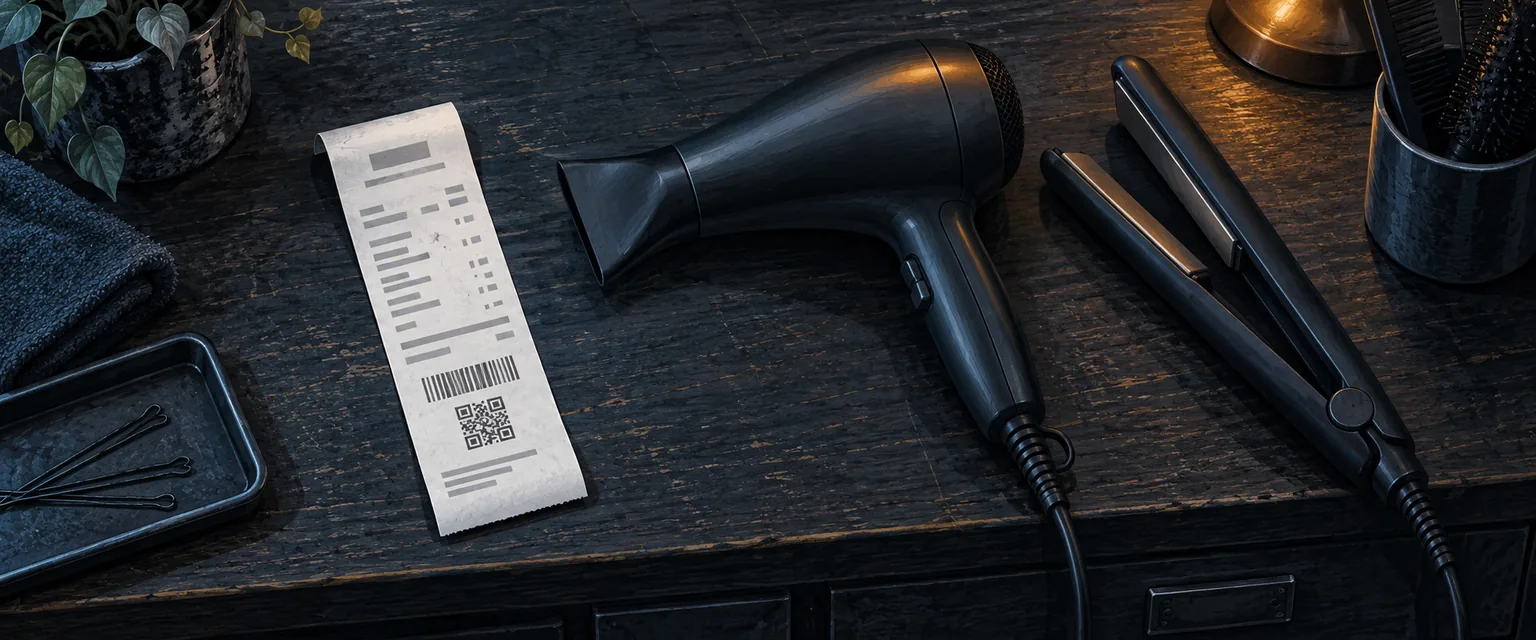
In Assistant it is the year plus four digits, consecutive within the year, and it cannot be set below what has already been issued. It prints three times on the same ticket: as text, as a barcode, and inside the QR code.
That is how an order gets found without typing anything. Keeping them all findable is half of organizing repair orders so none get lost.
The three-week test
Take the last ticket you printed and read it as if it came from another shop. Can you tell which device it is, who left it, what problem it had, and what it was estimated at, without asking anyone?
If the answer is yes, your ticket is well made. If you have to ask, a detail is missing — and it is usually the same one you will need when a complaint shows up.
The Paradoxon Assistant download is free.