

Twilio is one of the four SMS providers Assistant works with. The account, the number, and the balance are yours; Assistant needs three pieces of data.
1. In the Twilio portal. Create your account at twilio.com and buy an SMS-capable number. Your Account SID and Auth Token are on the main console dashboard. Add funds. Note: in the United States, regular numbers require A2P 10DLC registration and toll-free numbers their verification; until that is done, sends can be blocked or filtered. The documentation is at twilio.com/docs/messaging.
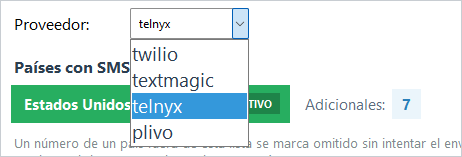
2. In Assistant. In Settings → Notification - File pick the twilio provider and paste the SID, the Token, and the sender number.
3. Save and test with SEND TEST SMS.
If something fails. An authentication error means the SID or Token was copied wrong, and Assistant says so in those words. If the provider rejects a destination by region, enable that country in your Twilio account (Messaging Geographic Permissions) and add it in MANAGE COUNTRIES too.