

How to organize your work groups (without losing your mind)
The first temptation after installing Paradoxon Alternate is creating one group per program. Wrong: groups aren't folders, they're work contexts. The right question isn't "where do I put Chrome?" but "which apps do I use together when doing X?".
Alternate supports up to 8 groups with up to 5 applications each, and every group has a name, color, icon and its own hotkey (Ctrl+Alt+1 through Ctrl+Alt+8 by default, fully reassignable). Real-time app detection shows you what's open so you can add it to a group with one click.
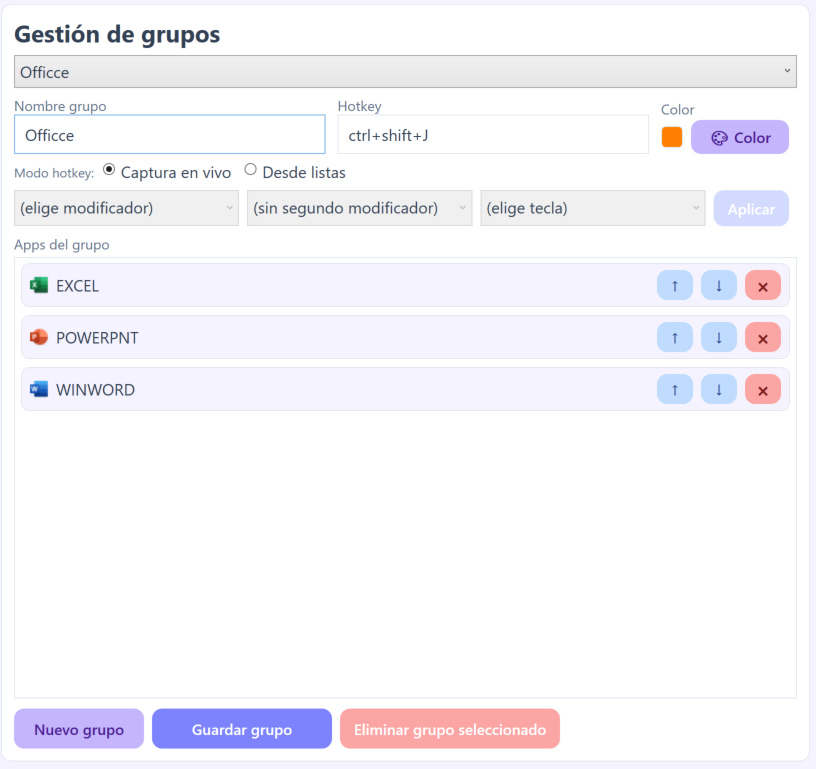
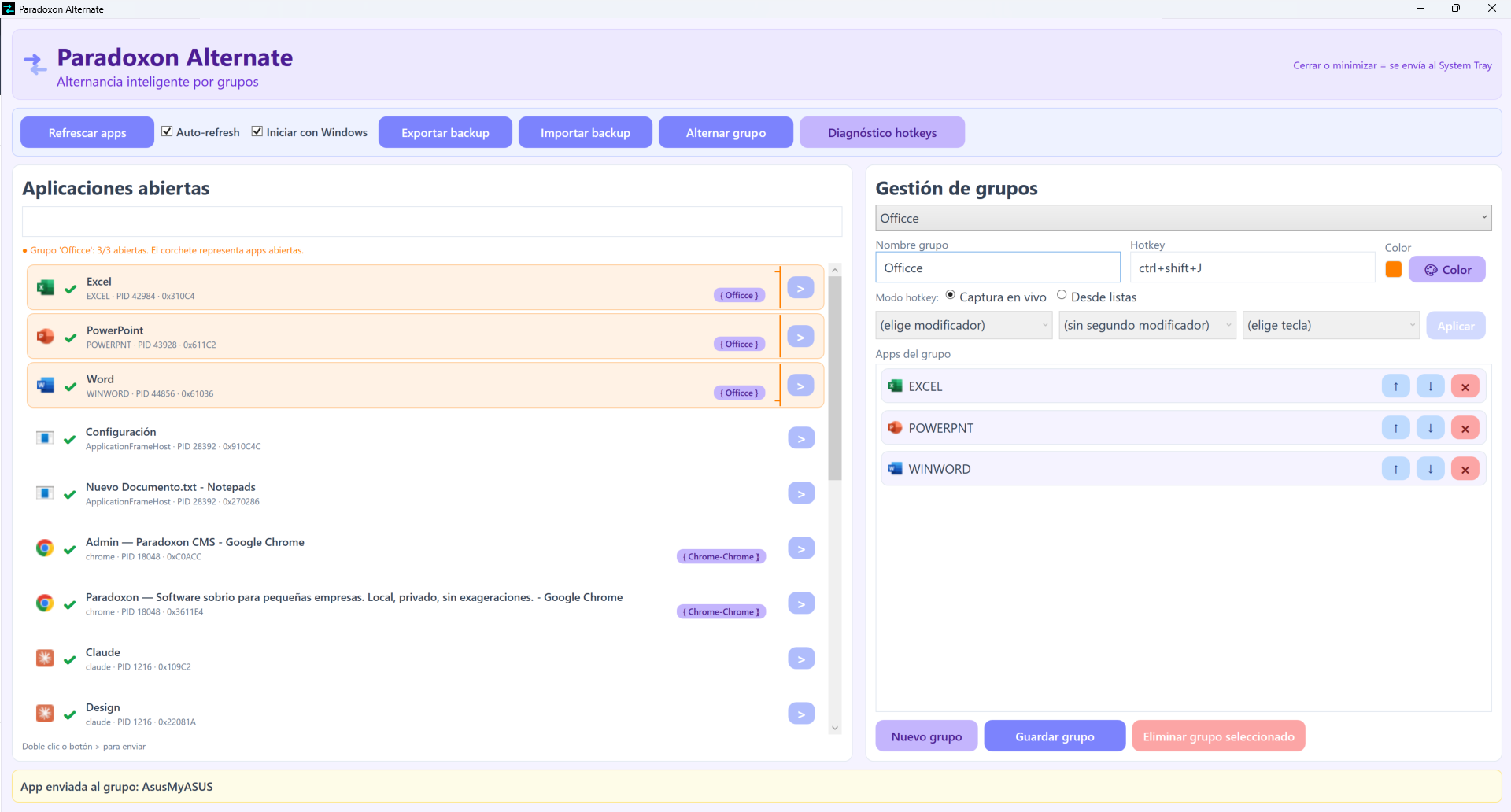
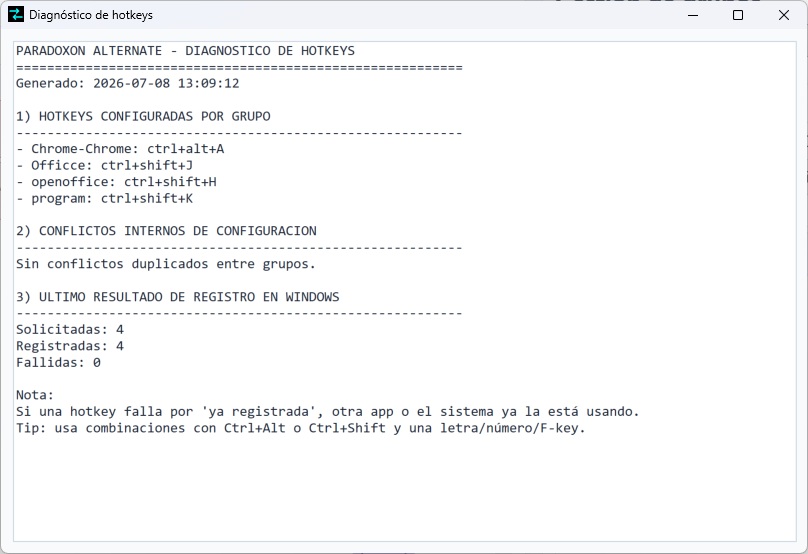
Three patterns that work: by project (all of client A's apps in one group), by activity (communication / creation / admin) or by rhythm (urgent stuff on Ctrl+Alt+1, deep work on Ctrl+Alt+2). And if a hotkey collides with another program, the built-in diagnostics detects it and suggests alternatives.
Golden rule: start with 2–3 groups. Delete any group you haven't used in a week — speed comes from muscle memory, not quantity.